
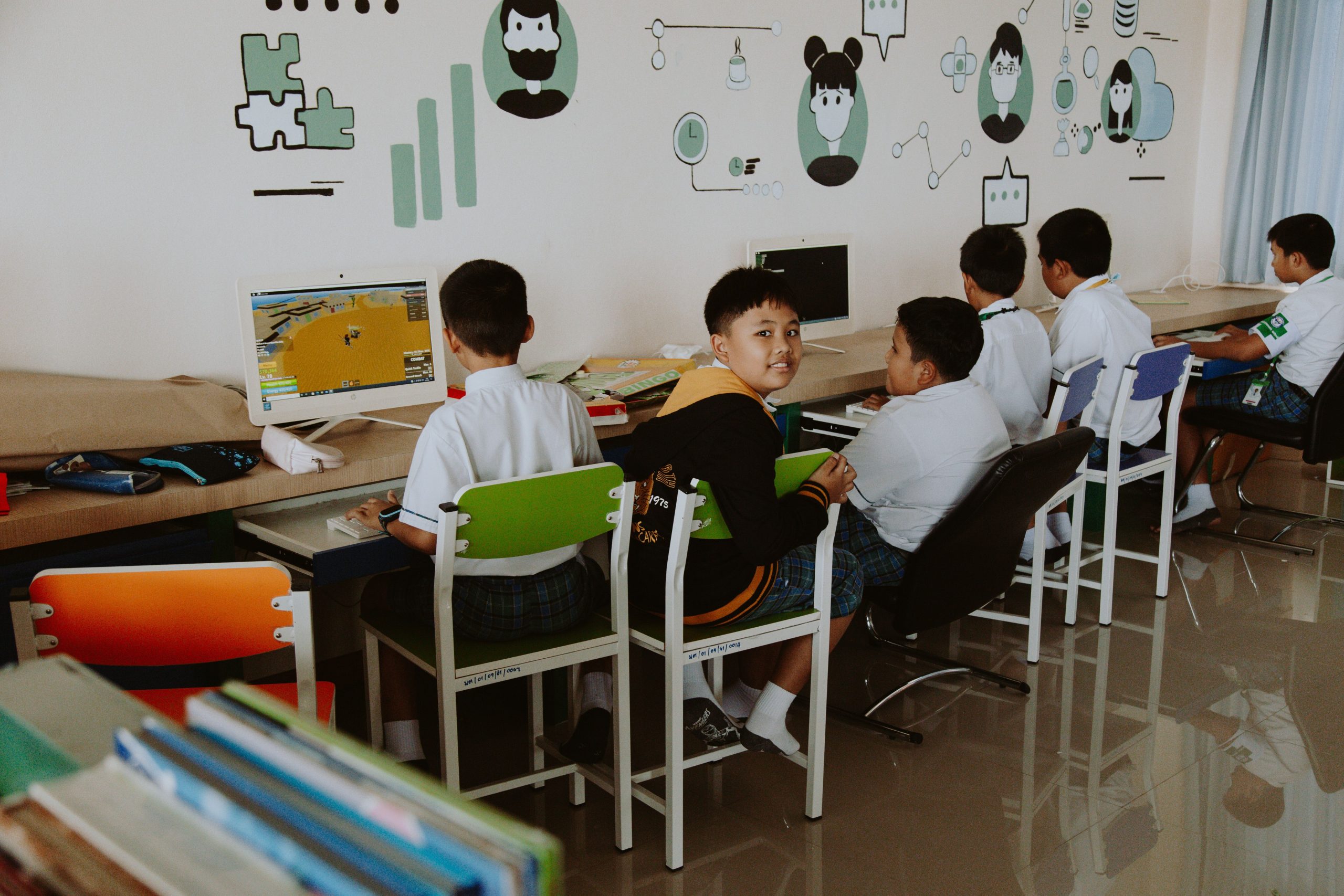
Keeping students focused during lessons is becoming more challenging every year. Many students lose interest quickly when lessons feel repetitive or overly serious. That’s why more teachers are using classroom browser games to make learning feel active, exciting, and less stressful.
The good news is that educational games are no longer limited to simple quizzes or basic flashcards. Today’s browser-based classroom games include:
- multiplayer competitions
- interactive problem-solving
- teamwork challenges
- geography adventures
- math battles
- typing races
And because these games work directly in a browser, students can play them easily on:
- Chromebooks
- school laptops
- tablets
- desktop computers
without downloading anything.
Many teachers now use classroom browser games as part of their daily routine because they help students stay engaged while still supporting learning goals. In many classrooms, students who normally avoid participating become far more involved when lessons include interactive games.
The best part is that students often see these activities as fun rather than “extra schoolwork.”
In this guide, you’ll discover:
- the best classroom browser games
- why teachers use them
- games for different subjects
- tips for safe classroom gaming
- ideas for keeping students engaged
- browser games that work well on Chromebooks
If you want to make lessons feel more interactive without losing educational value, these games are worth exploring.
Why Classroom Browser Games Are So Popular
Most students today grow up using technology every day. Because of that, interactive learning often feels more natural to them than long lectures or repetitive worksheets.
Classroom browser games work well because they turn learning into something students actively participate in instead of simply listening to.
For example:
- a math lesson becomes a challenge
- vocabulary practice turns into a competition
- geography becomes an exploration game
That small shift can make a huge difference in classroom energy.
Many teachers also notice that browser games help reduce classroom stress. Students who may feel nervous during quizzes or tests often feel more relaxed during game-based activities.
Instead of worrying about mistakes, students focus more on participation and improvement.
Benefits of Classroom Browser Games
Educational games are not just about entertainment. When used properly, they can support real learning outcomes.
Students Stay Engaged Longer
One of the biggest advantages of classroom browser games is engagement.
Let’s be honest — keeping an entire classroom focused for long periods is difficult. Interactive games help because students feel involved instead of passive.
In many classrooms, teachers use short game sessions during:
- lesson reviews
- morning warmups
- end-of-week activities
- brain breaks
and students often respond much better compared to traditional review sheets.
Learning Feels Less Stressful
Not every student enjoys tests or speaking in front of the class.
Games create a more relaxed environment where students can practice skills without feeling too much pressure.
This is especially helpful for:
- shy students
- younger learners
- students who struggle academically
Sometimes students participate more confidently when learning feels playful.
Encourages Teamwork and Communication
Many classroom browser games include:
- multiplayer modes
- team challenges
- classroom competitions
These activities encourage students to:
- work together
- communicate clearly
- solve problems as a group
That social interaction can make classroom activities feel much more enjoyable.
Works Perfectly on Chromebooks
Most schools now use Chromebooks or web-based devices. Browser games are convenient because teachers usually don’t need to install apps or complicated software.
Students simply open a browser and start playing.
This makes browser games ideal for:
- schools
- online learning
- hybrid classrooms
- homework activities
Quick Comparison of the Best Classroom Browser Games
| Game | Subject Focus | Best Age Group | Free Version | Why Students Like It |
|---|---|---|---|---|
| Kahoot! | Quizzes & Revision | All Ages | Yes | Fast-paced classroom competitions |
| Blooket | Mixed Subjects | Elementary & Middle School | Yes | Fun game modes and rewards |
| Quizizz | Homework & Quizzes | All Ages | Yes | Self-paced learning with fun feedback |
| Prodigy Math | Mathematics | Elementary Students | Yes | Adventure-style math gameplay |
| GeoGuessr | Geography | Middle & High School | Limited | Exploring real-world locations |
| TypingClub | Typing Skills | All Ages | Yes | Interactive typing lessons |
| ABCya | Early Learning | Elementary Students | Yes | Colorful educational mini-games |
| Gimkit | Classroom Review | Middle & High School | Limited | Strategy-based quiz gameplay |
| Wordwall | Vocabulary & Language | Elementary & Middle School | Yes | Interactive classroom activities |
| Cool Math Games | Logic & Problem Solving | All Ages | Yes | Fun puzzle-solving experiences |
Best Classroom Browser Games for Students
1. Kahoot
Kahoot!
Kahoot! has become one of the most recognizable classroom quiz platforms in schools around the world.
Teachers can create quizzes in minutes, and students join using a simple game code.
What makes Kahoot popular is the energy it creates in the classroom. The countdown timers, music, and live leaderboard make review sessions feel more exciting than traditional quizzes.
Why Teachers Use It
- quick lesson reviews
- classroom competitions
- exam preparation
- group participation
Many teachers use Kahoot before tests because students tend to stay more focused during interactive review sessions.
2. Blooket
Blooket
Blooket is one of the fastest-growing classroom browser games because it combines learning with multiple fun game modes.
Instead of answering questions the same way every time, students can play:
- racing games
- strategy games
- collection challenges
- multiplayer competitions
Students often become highly engaged because every game mode feels different.
Why Students Enjoy It
Many students see Blooket as a real game rather than schoolwork, which naturally increases participation.
3. Quizizz
Quizizz
Quizizz works well for both live classroom activities and homework assignments.
Unlike some competitive quiz games, Quizizz allows students to work at their own pace.
That makes it a great option for classrooms where students learn at different speeds.
Best Features
- self-paced quizzes
- homework mode
- instant feedback
- detailed teacher reports
Many teachers appreciate how easy it is to track student progress.

4. Prodigy Math
Prodigy Math
Prodigy turns math into a fantasy-style adventure game where students complete battles and quests by solving math problems.
For younger students, this approach makes math feel much less intimidating.
Best For
- elementary math practice
- homework reinforcement
- skill improvement
Students often stay motivated because they unlock rewards and level up characters while learning.
5. GeoGuessr
GeoGuessr
GeoGuessr places players somewhere in the world using street-view images. Students must look for clues and guess the location.
It’s a surprisingly effective geography learning tool because students actively explore real-world environments.
Educational Benefits
- geography practice
- critical thinking
- observation skills
- cultural awareness
Middle school and high school students usually enjoy the challenge.
6. TypingClub
TypingClub
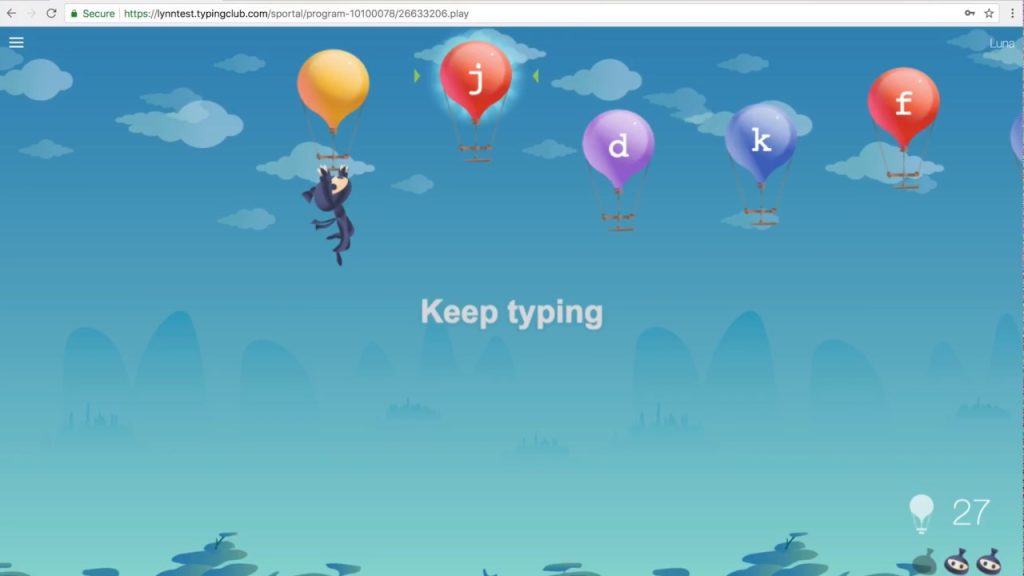
TypingClub helps students improve typing speed and keyboard accuracy through interactive lessons and practice activities.
Typing is now an essential classroom skill, especially for students completing assignments online.
Why Schools Use It
- beginner-friendly lessons
- progress tracking
- engaging exercises
- simple interface
7. ABCya
ABCya
ABCya is especially popular for younger students because it offers colorful educational games covering:
- reading
- spelling
- counting
- problem-solving
- early math
The simple design makes it easy for elementary students to use independently.
Best Classroom Browser Games by Category
Best Math Browser Games
- Prodigy Math
- Cool Math Games
- Kahoot!
- Blooket
These games help students practice problem-solving in a more enjoyable way.
Best Browser Games for Elementary Students
- ABCya
- Prodigy
- TypingClub
- Kahoot!
Younger students usually respond well to reward-based and colorful learning experiences.
Best Multiplayer Classroom Games
- Kahoot!
- Blooket
- Gimkit
- Quizizz
These games encourage teamwork, participation, and classroom interaction.
Tips for Using Classroom Browser Games Effectively
Keep Sessions Short
Short game sessions usually work best.
Many teachers use:
- 10-minute warmups
- quick review games
- short brain breaks
to maintain attention without overwhelming students.
Use Games With Purpose
Educational games should support classroom goals, not simply fill time.
Before starting a game, explain:
- what students are learning
- why the activity matters
- how it connects to the lesson
Mix Different Learning Styles
Not every student enjoys competition.
A balanced classroom should include:
- team activities
- self-paced learning
- discussions
- independent practice
This helps create a more inclusive learning environment.
Frequently Asked Questions
What are classroom browser games?
Classroom browser games are educational games that students can play directly through a web browser without downloading software.
Are classroom browser games safe?
Most educational browser games are safe when teachers use trusted platforms and supervise classroom activity.
Do classroom browser games work on Chromebooks?
Yes. Most browser-based educational games are designed to work smoothly on Chromebooks.
Which classroom browser games are best for math?
Popular math browser games include:
- Prodigy Math
- Cool Math Games
- Kahoot!
- Blooket
Can browser games improve learning?
Yes. Interactive games can improve engagement, participation, collaboration, and memory retention.
Final Thoughts
Classroom browser games are helping teachers create more interactive and enjoyable learning experiences for students.
Instead of relying only on worksheets and lectures, teachers can use educational games to:
- increase participation
- improve focus
- encourage teamwork
- make lessons more memorable
The best classroom browser games combine learning with entertainment in a way that feels natural for modern students.
And in many classrooms, that simple change can completely transform how students feel about learning.
